High-volume printing drives up toner and MFP maintenance bills. Learn practical strategies to cut ongoing office print costs without sacrificing print quality or machine uptime.
Introduction
Offices with high print output — law firms, schools, print shops and corporate back offices — often overlook that toner, spare parts and service visits make up the majority of long-term printing expenses. Many businesses focus only on the upfront machine price, ignoring the total cost of ownership (TCO).
Frequent toner replacements, unexpected breakdowns and costly on-site maintenance can quickly blow your budget. The good news: there are actionable ways to lower toner consumption and cut maintenance workload, while keeping your multifunction copiers stable for heavy daily use.
1. Optimize Print Settings to Cut Toner Consumption
Most high-volume MFPs ship with default settings that use more toner than necessary. Simple configuration changes deliver immediate savings.
- Switch to toner-save / eco mode for internal drafts and non-client documents. It reduces toner density without hurting readability.
- Set default output to black & white, reserving colour printing only for marketing materials or official presentations. Colour toner is far more expensive per page.
- Enable duplex (double-sided printing) by default. This cuts paper waste and reduces total print volume, indirectly lowering toner usage.
- Audit unused graphics and heavy background images in templates; large solid colour blocks consume toner rapidly.
Tip: Roll out company print policies. Ask teams to preview documents before printing and avoid unnecessary hard copies.
2. Choose the Right Toner Grade for Your Workload
Toner selection is one of the biggest cost levers for high-volume environments. Three main options are available:
- Original OEM toner: Reliable but highest per-page cost. Best reserved for critical client-facing documents.
- Compatible / remanufactured toner: Significant cost savings. Quality varies by supplier. Pick tested cartridges that match your MFP model to avoid leaks or drum damage.
- Bulk toner refill: Lowest cost for extremely heavy print runs, but requires professional handling and carries higher risk if poorly made.
For most high-volume offices, a mixed strategy works well: OEM toner for formal documents and premium remanufactured toner for daily internal printing.
⚠️ Important: Low-quality cheap toner may clog drums and developer units, triggering expensive maintenance repairs. Never sacrifice toner quality to save a small amount upfront.
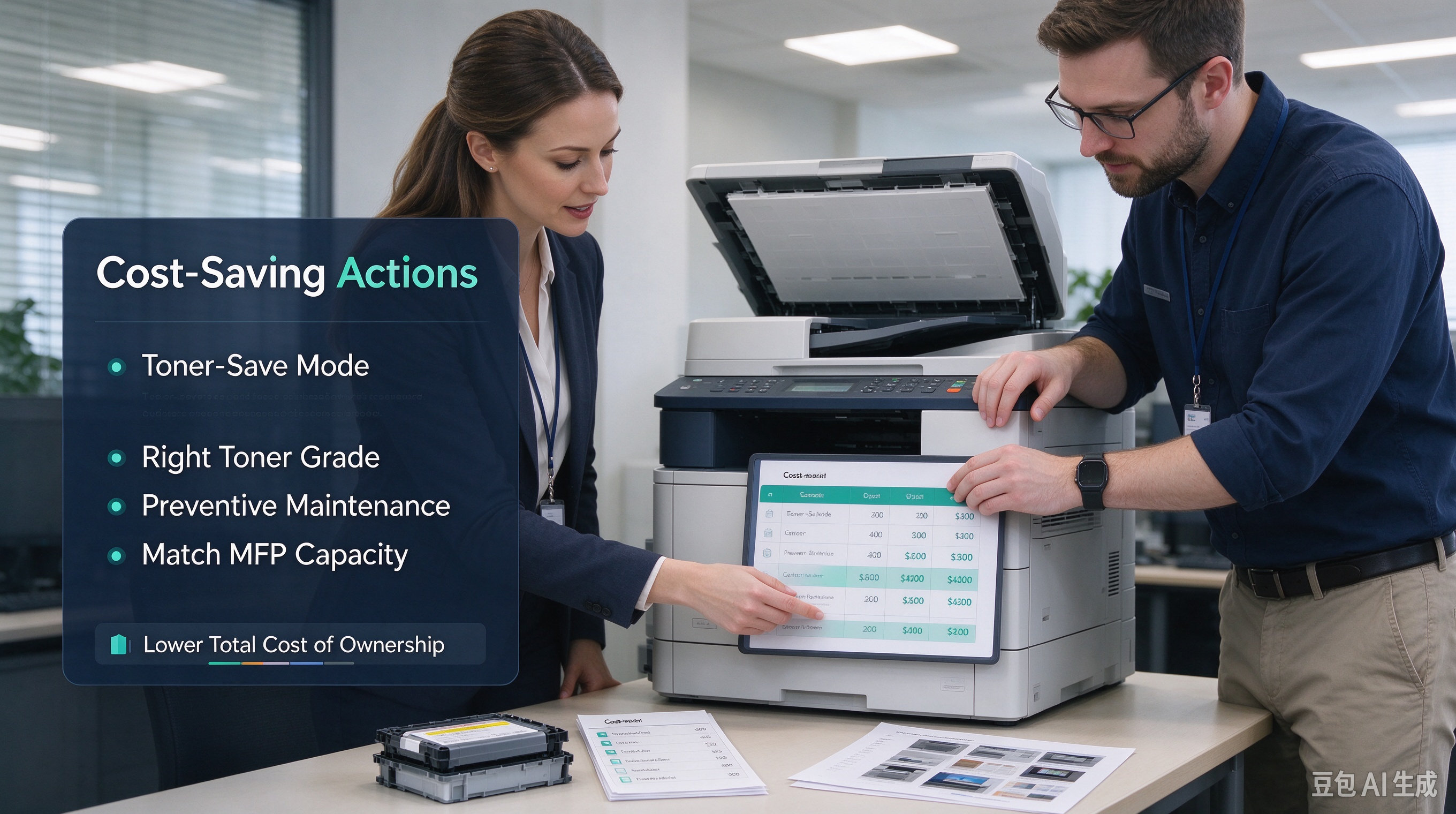
3. Follow Preventive Maintenance to Avoid Expensive Breakdowns
Emergency service calls are far more costly than scheduled routine care. High-use copiers with thousands of pages per month need regular checks.
- Stick to a preventive maintenance schedule: clean ADF rollers, fuser units and waste toner containers periodically. Dirty parts cause paper jams, streaky prints and premature component failure.
- Train on-site staff for basic daily checks: clear paper dust, replace waste toner boxes and report odd noises or print defects early. Small issues become expensive failures if left unaddressed.
- Keep core consumables in stock: drums, belts and rollers. Waiting for emergency spare parts leads to downtime and rush shipping fees.
4. Right-Size Your MFP Hardware to Match Actual Print Volume
A common mistake: buying an underpowered copier to save upfront cost. Low-spec machines running constant high-volume jobs wear out fast and need frequent repairs.
- Calculate your monthly print volume first. Match the MFP’s duty cycle to your real workload.
- For businesses upgrading hardware: consider remanufactured high-speed MFPs. Quality remanufactured copiers deliver the same performance as new units at lower capital cost, with lower long-term TCO.
- If print demand fluctuates, a copier rental model can shift maintenance risk to your vendor.
5. Monitor Print Usage with MFP Tracking Tools
Use built-in print accounting software on your multifunction printer to track department-level usage.
- Identify wasteful printing habits: duplicate prints, oversized colour documents.
- Set print quotas for teams to reduce unnecessary output.
- Track page yield for each toner cartridge, so you can compare real-world cost per page across brands.
Conclusion
Reducing toner and maintenance costs does not mean lowering print quality. It combines smart print settings, strategic toner sourcing, consistent preventive maintenance and properly sized MFP hardware. The biggest savings come from lowering your total cost of ownership, not just cutting one-time purchase costs.
If you run a high-volume office or manage multiple print fleets, we can help you review your current print setup and recommend suitable MFPs, tested toner and spare part bundles tailored to your monthly print volume.
CTA: Contact our team today for a free print cost assessment.
